Every job. One app.
Running three jobs doesn't mean three systems.
Tap the job name.
The orange button at the top with your job's name on it — your jobs drop down.
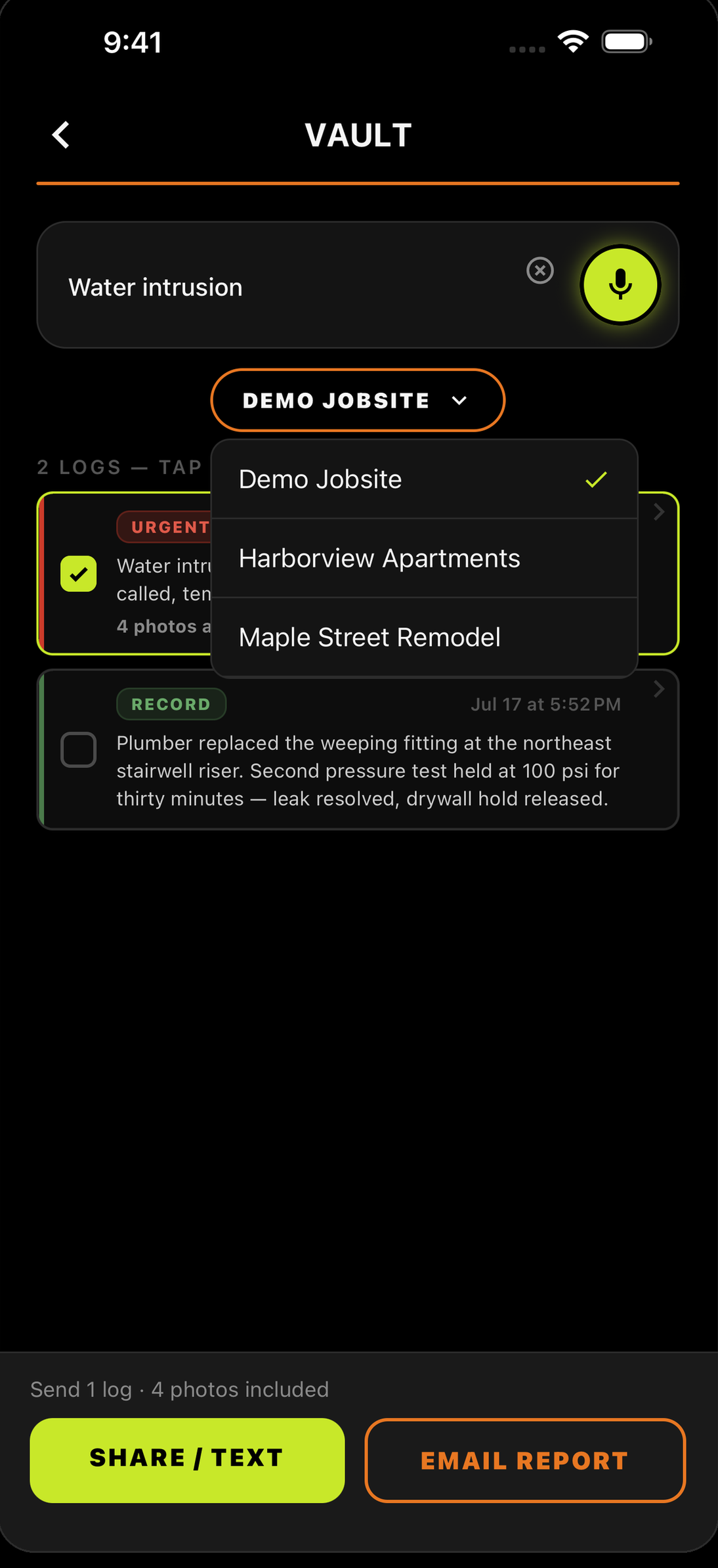
Pick the job.
Tap the one you're standing on. The same list is in the Vault.
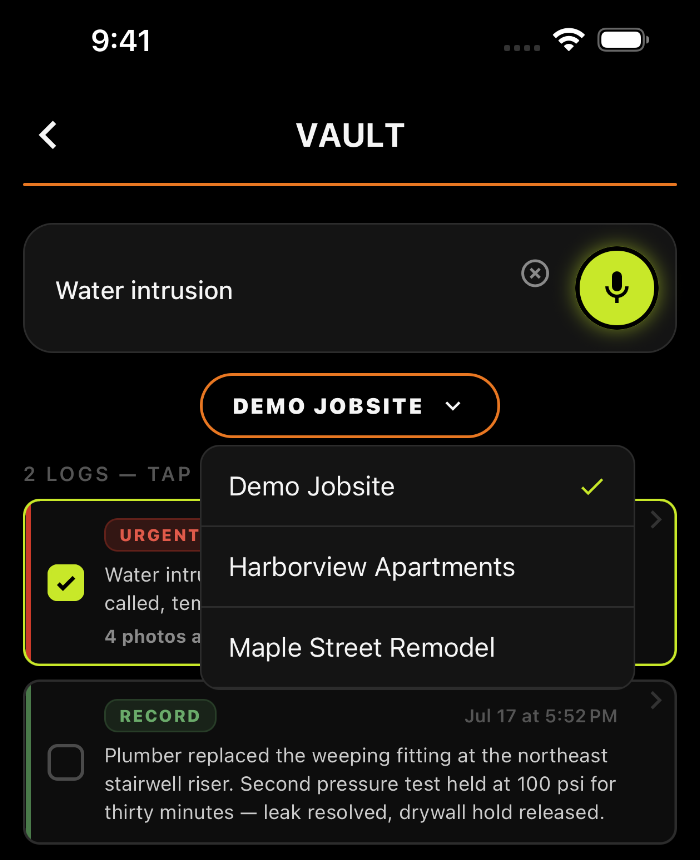
Now you're on that job.
Everything you do next belongs to it.
NEW LOGS
Everything you log now goes to that job.
SEARCHES
The Vault shows you only that job's logs.
REPORTS
Daily, weekly and custom reports cover that job only.
One job's logs never show up in another.
Three jobs. One pocket.
Your crew logs the job. You own the record.
The day you don’t log is the day they ask about.


Running a crew? Teams — 30 days free →