Log extra work so it gets paid.
The date, the direction, and what it took. Written in the field the day it happens — not reconstructed at billing time.
Log it the day it starts.
The minute the work goes outside the contract, talk it in. Thirty seconds, standing right there.
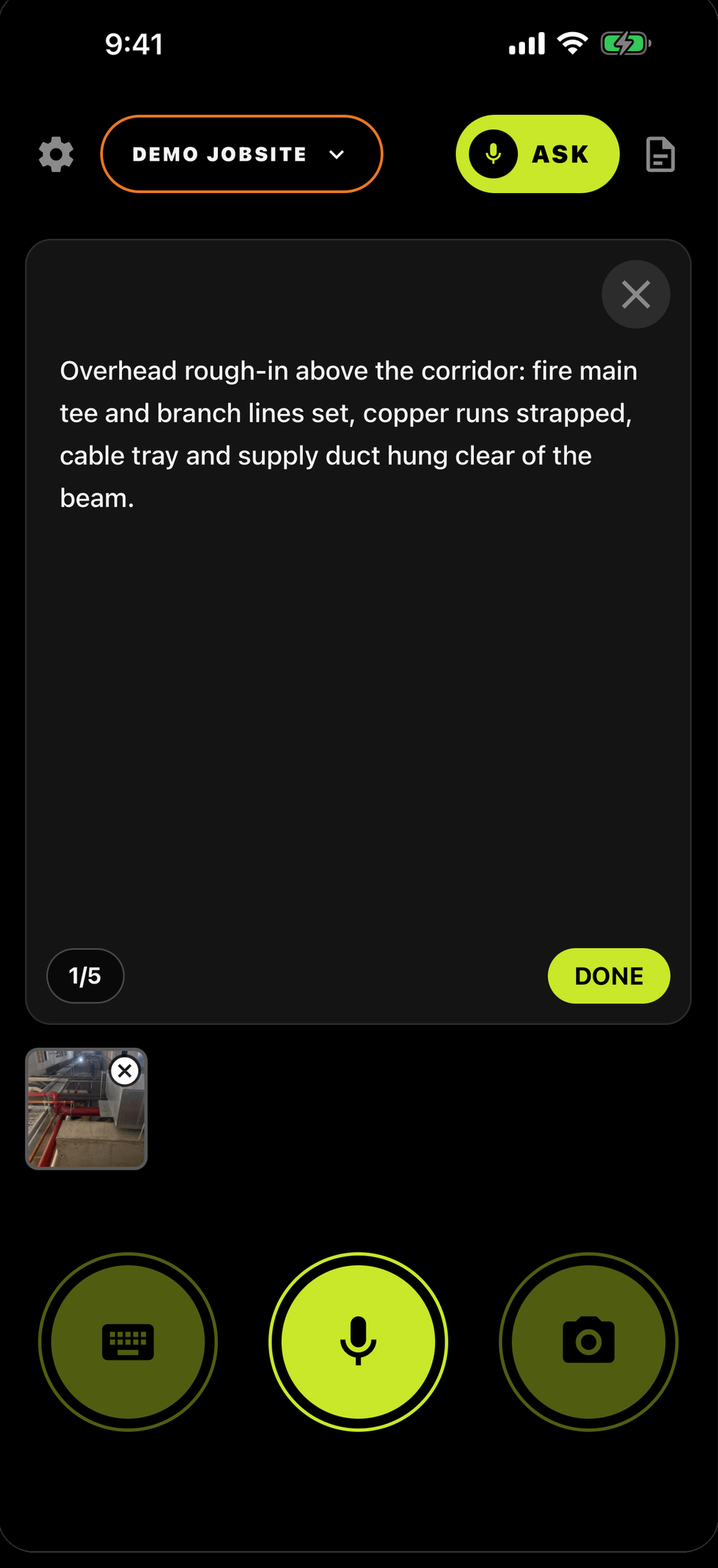
Name who directed it.
Say it in the same breath, in the same log:
A name or a role. Without it, the record reads like your crew decided to spend the money.
Say what it took.
Crew, equipment, hours. The stuff you'd otherwise try to remember three weeks later:
Nobody wins an argument about hours with a number they came up with later.
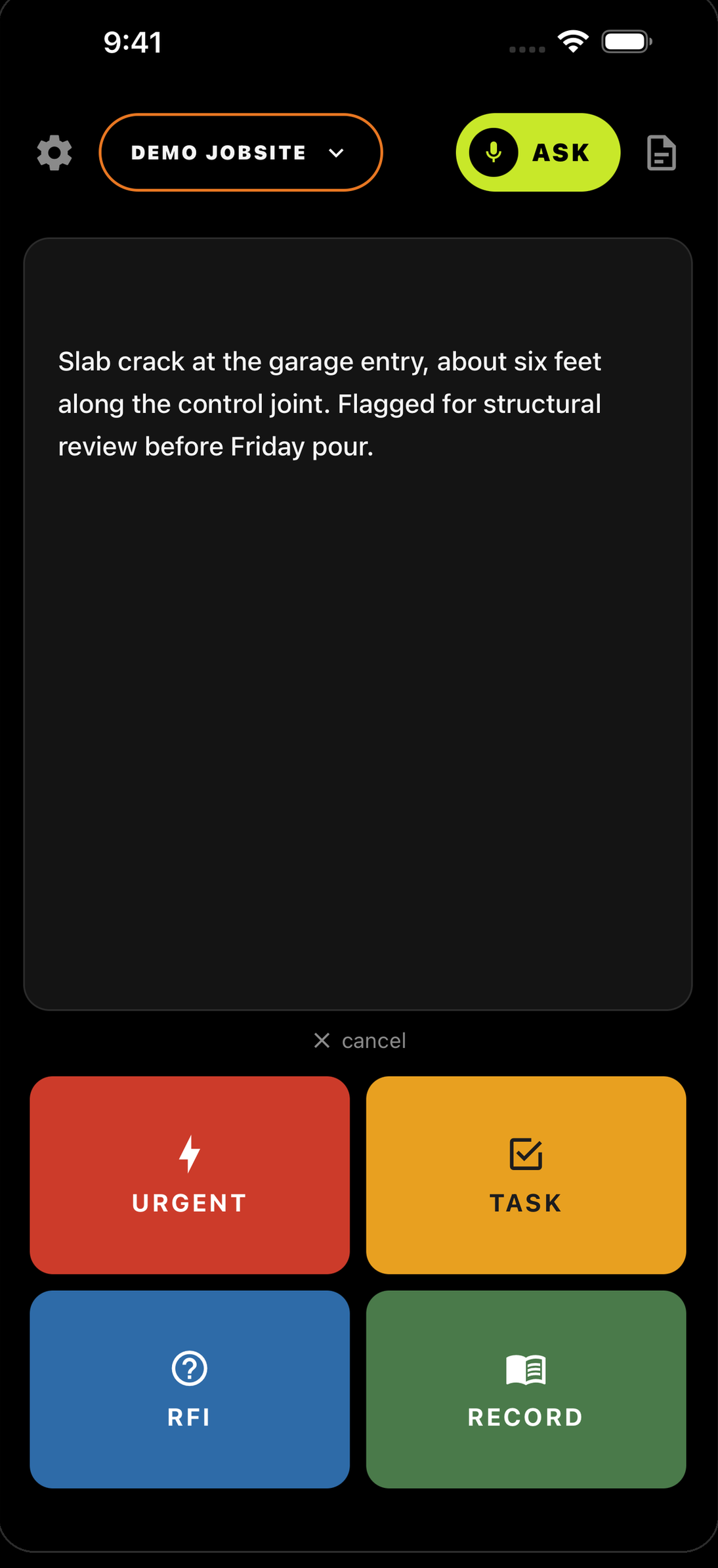
Mark it RECORD.
Four buttons come up. RECORD is the plain record of what happened — that's what backup is.
Log it again tomorrow.
Extra work that runs three days is three logs — not one summary written at the end. Each day carries its own date and its own hours. That's what makes it a daily record instead of a story.
One log written three weeks later covering all of it is the one that gets picked apart.
When it's time to bill, pull the dates.
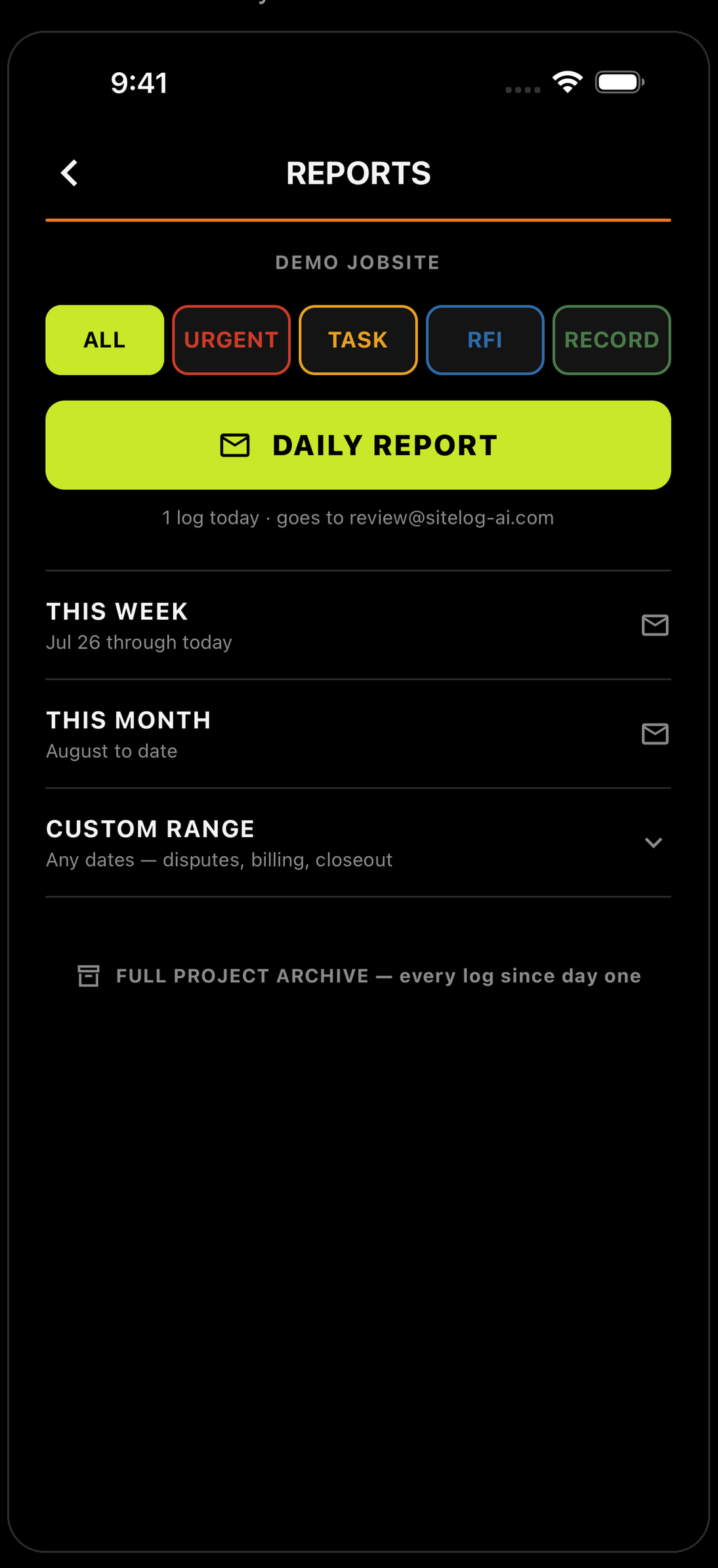
In REPORTS, tap CUSTOM RANGE. Set the start and the end. Every log in that window, one PDF.
Why this is the one that pays.
A dated entry made while the work was happening carries weight that a memo written at billing time never will.
Direction is the whole argument. A log that names the person who gave it settles that argument.
Crew, equipment, hours — counted on site, not estimated in the office.
Dated. Directed. Counted.
The invoice writes itself from a record made on site — not a story told at billing time.
The day you don’t log is the day they ask about.


Running a crew? Teams — 30 days free →