The daily report.
Your whole day — written, formatted and emailed in one tap.
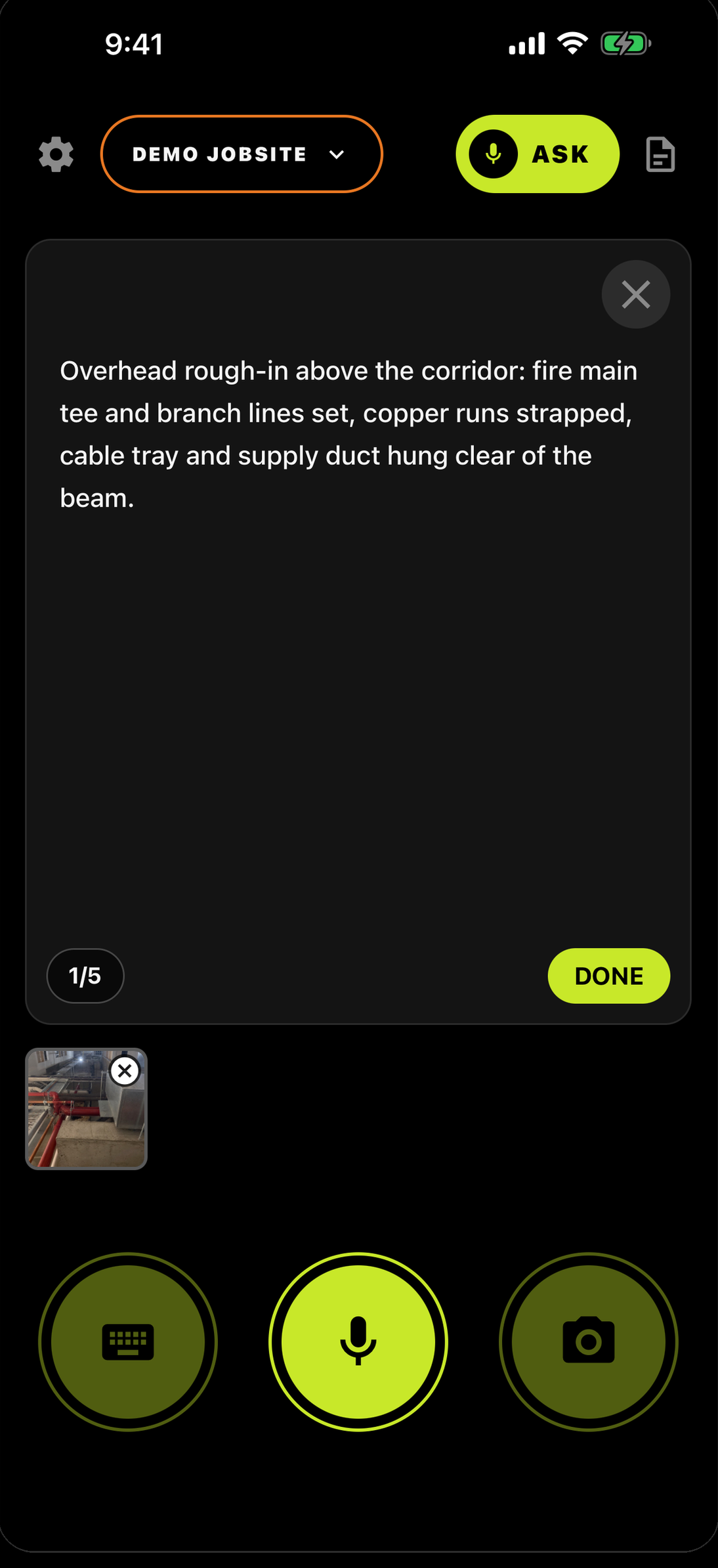
Tap the doc icon.
Top right on the capture screen — that's REPORTS.
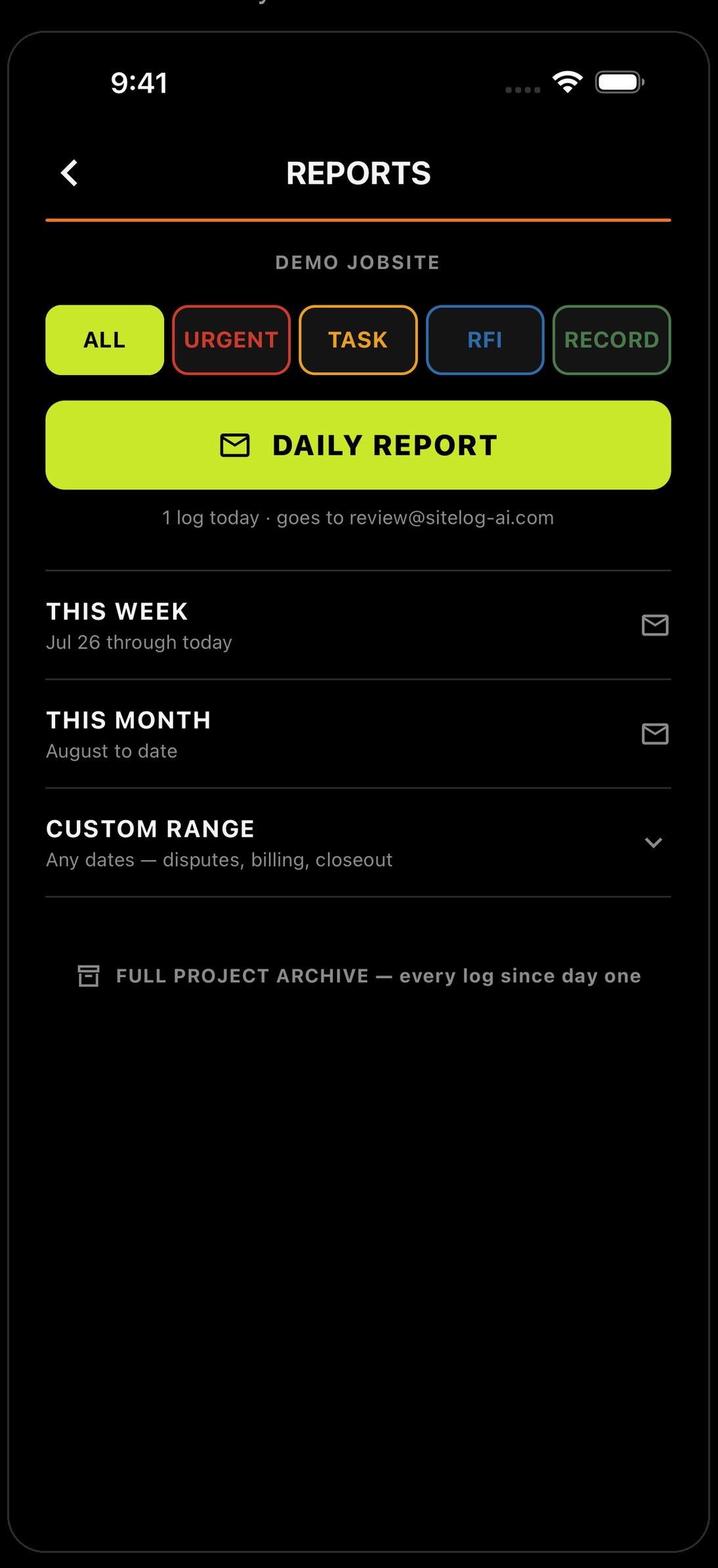
Tap DAILY REPORT.
One button. No form to fill in, nothing to assemble.
It's already written.
Every log, sorted by type, photos attached — emailed to the job's report address. A formatted PDF with the project, the date, and every entry in order.
Same two taps, any stretch of the job.
THIS WEEK
The Friday owner update — one tap, no desk time.
THIS MONTH
Month-end, billing backup, progress summaries.
CUSTOM RANGE
Any dates you pick — pay app backup, a delay window, a dispute.
Same formatted PDF every time.
The report you used to skip.
Talk your way through the day. The paperwork is already finished.
The day you don’t log is the day they ask about.


Running a crew? Teams — 30 days free →