Make a log.
Photos, then your voice. About thirty seconds, start to finish.
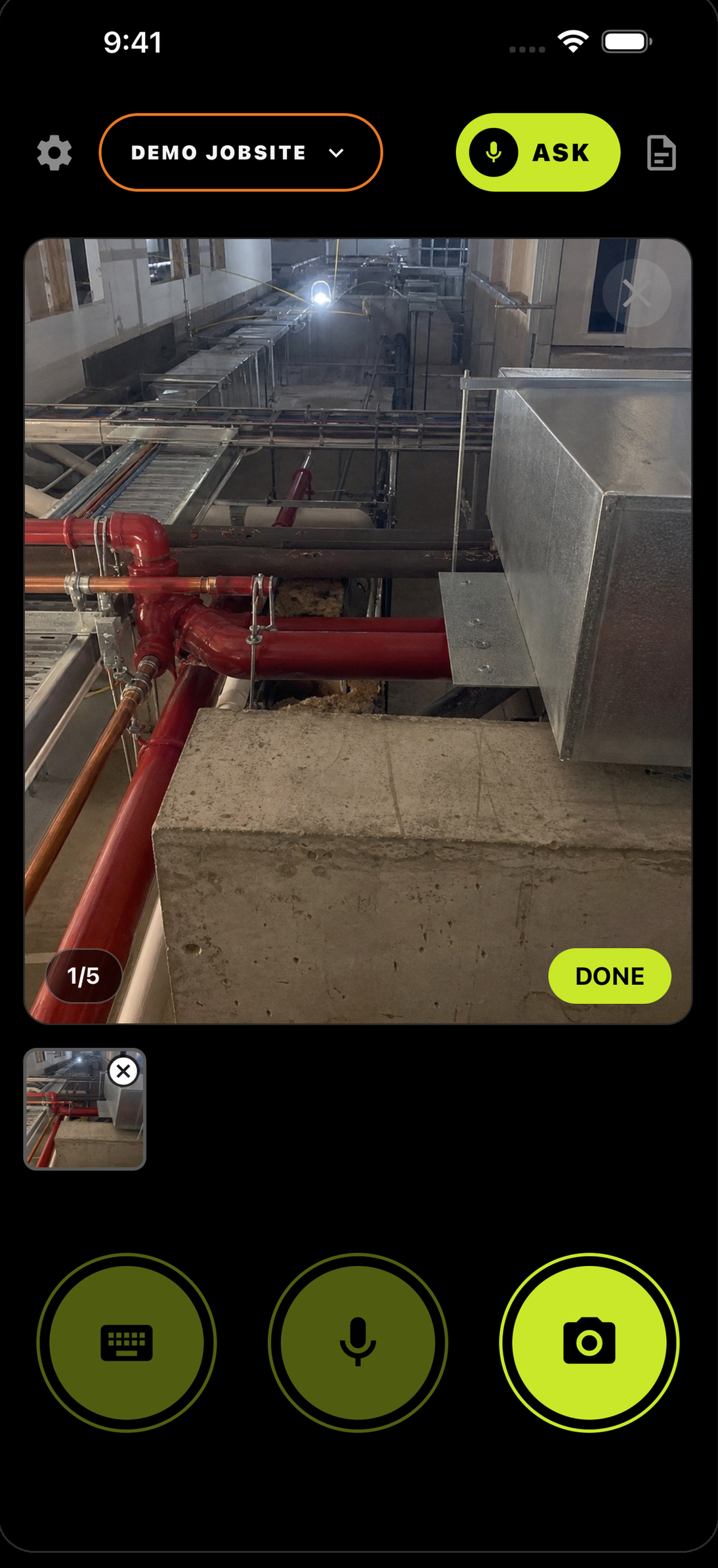
Tap the camera.
Shoot what you're looking at — up to 5 photos on one log. Hit DONE when you're finished shooting.
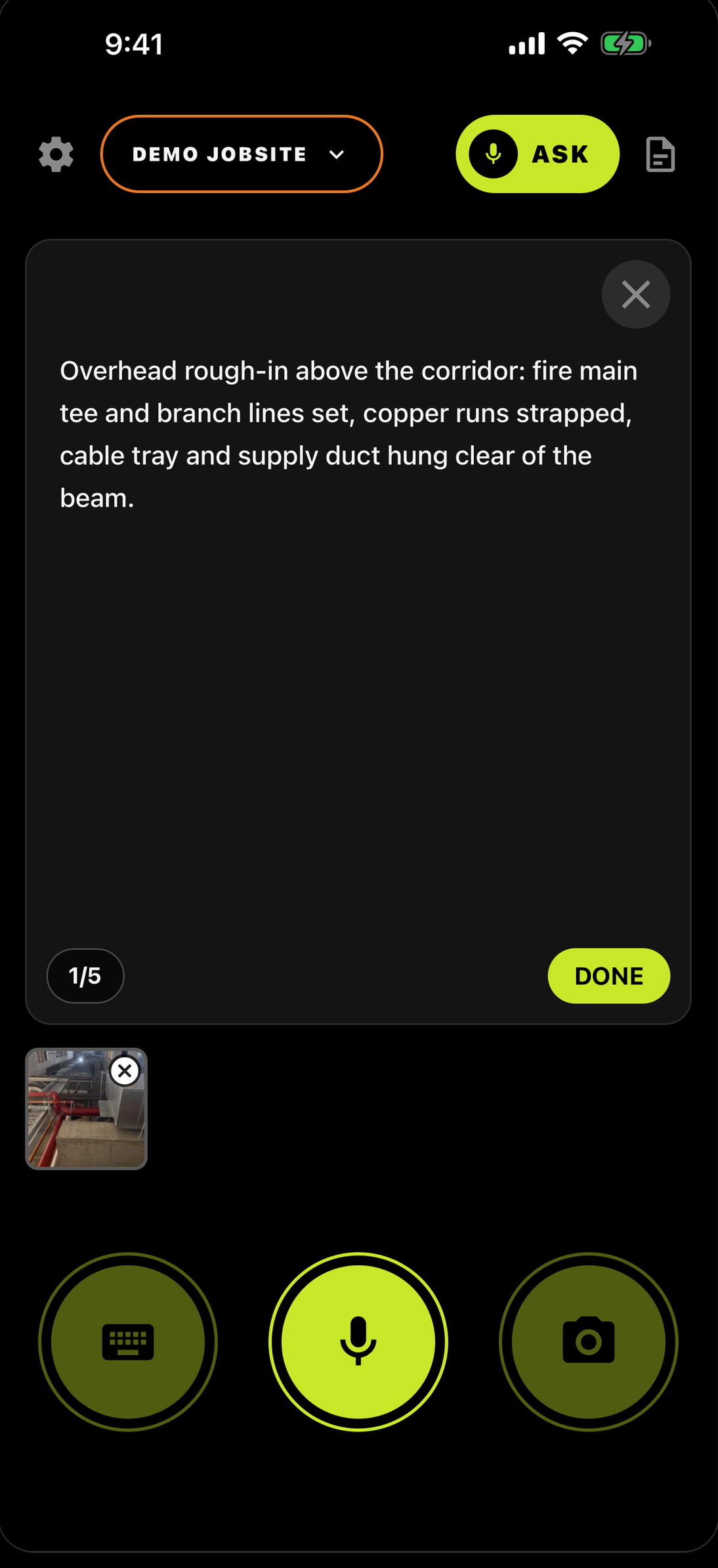
Tap the mic. Talk.
It turns red — you're recording. Say who's involved, what's happening, where you are.
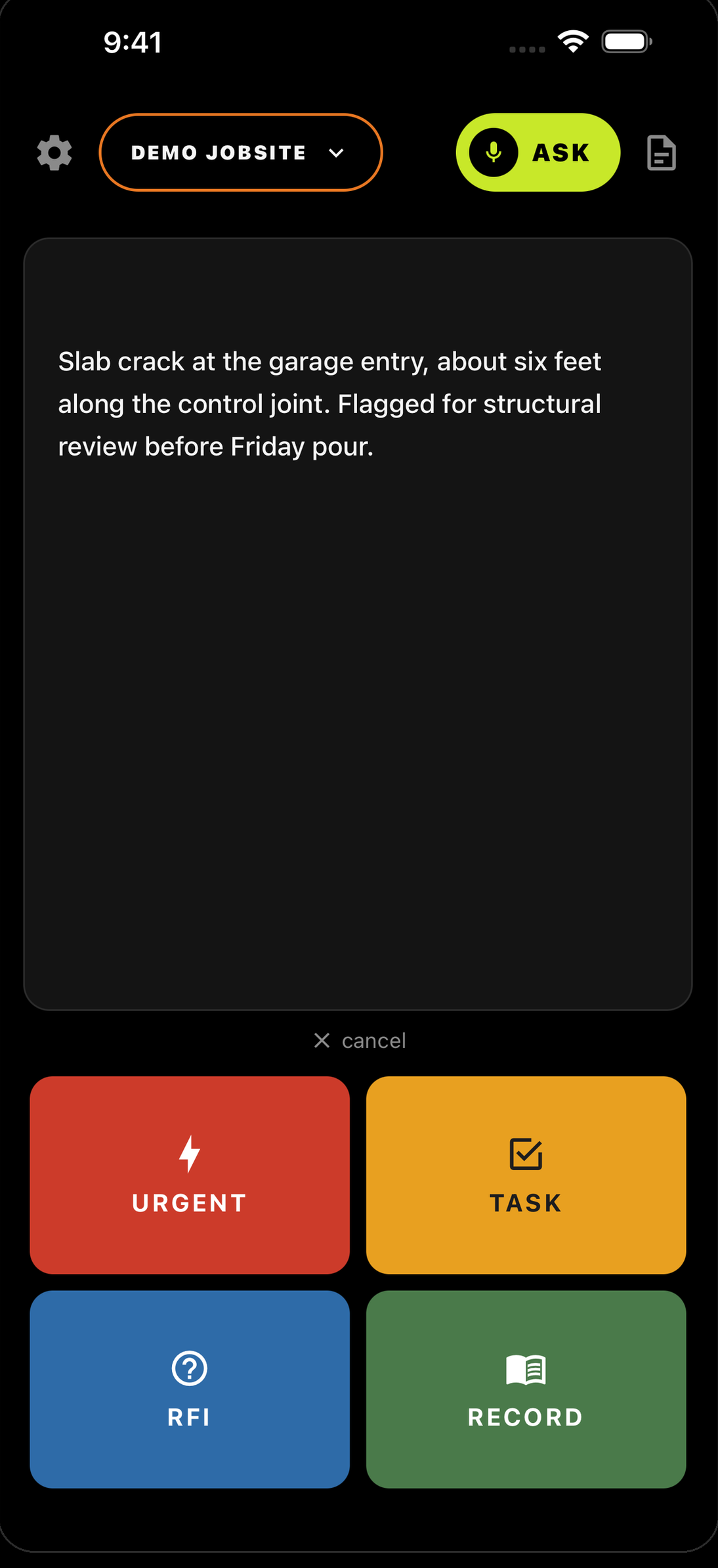
Pick the type.
One tap files it to the job — timestamped, photos attached.
Which one do I pick?
Somebody has to deal with it now — a hazard, a leak, work that has to stop.
Something that needs doing — a fix, a follow-up, a punch item.
A question that needs an answer before the work can go on.
Proof of what happened — progress, deliveries, approvals, completions.
Not sure which? The four types, with real examples →
Snap. Talk. Done.
That's the whole workflow. If you can send a text, you already know how to use it.
The day you don’t log is the day they ask about.


Running a crew? Teams — 30 days free →