Build the punch list while you walk it.
One log per item, said out loud as you find it. The list you build at nine o'clock at night is the one with things missing.
Start every one the same way.
Two words before anything else:
Same two words every time, all week, every unit. That's what makes them one list later.
Then the room, the trade, the item.
In that order, out loud, standing in front of it:
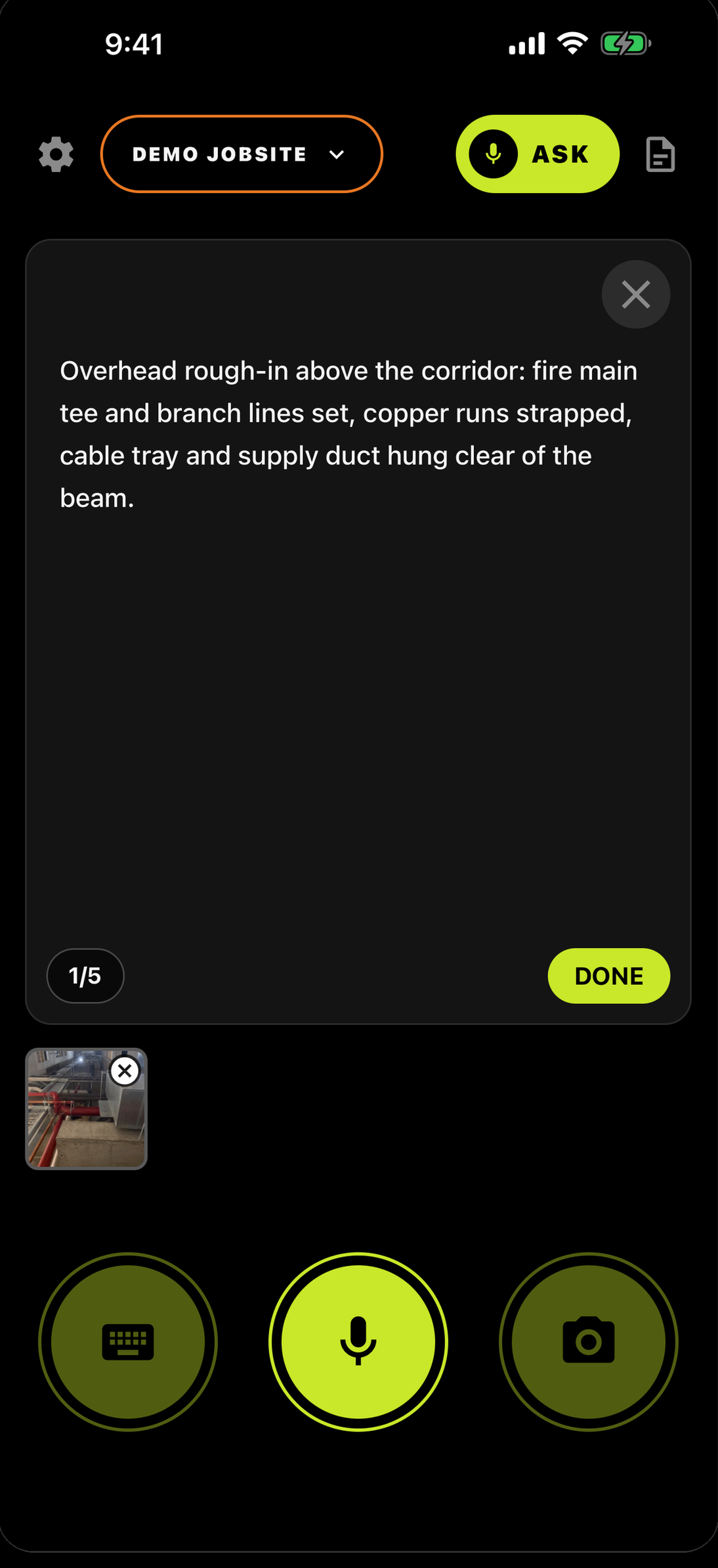
Mark it TASK.
Four buttons come up when you're done talking. Punch items are TASK.
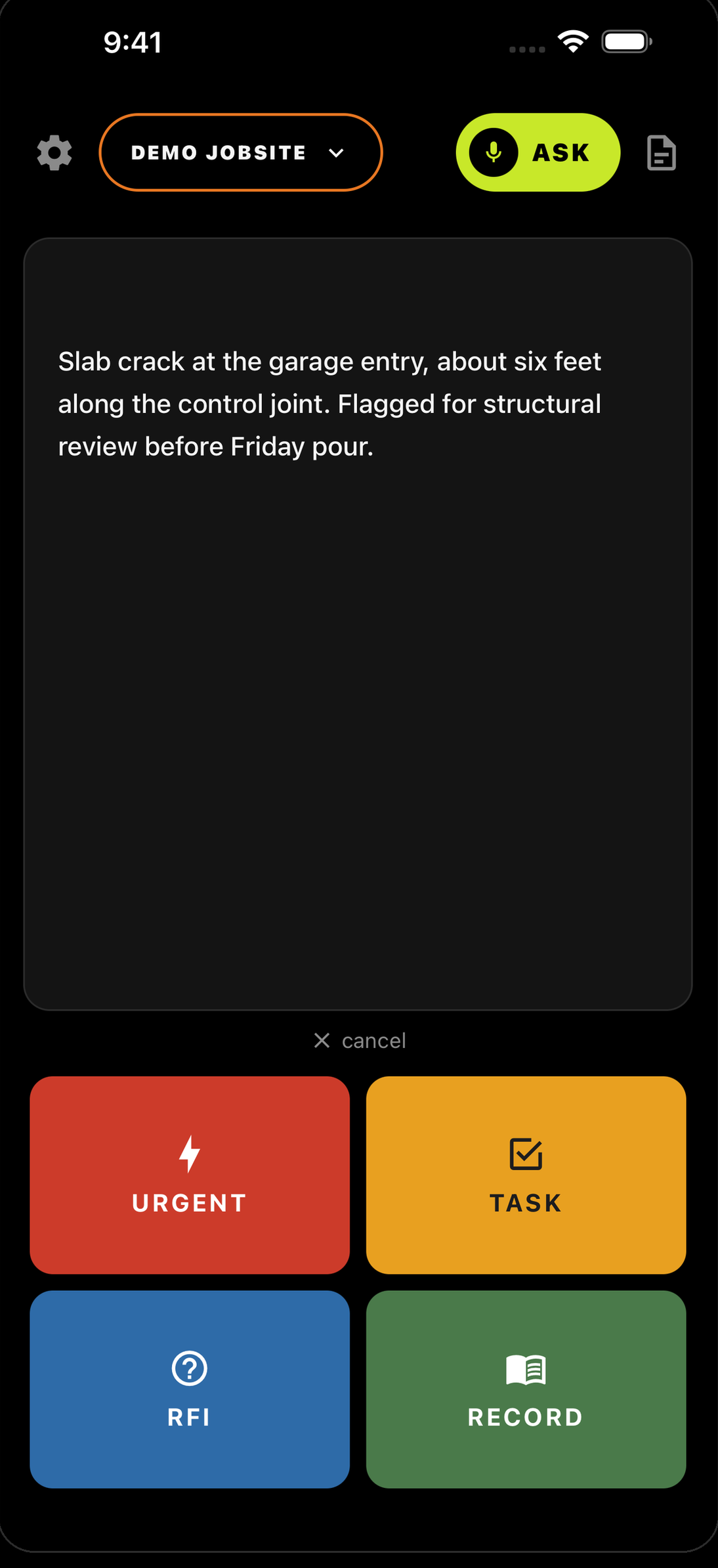
Keep walking. One item, one log.
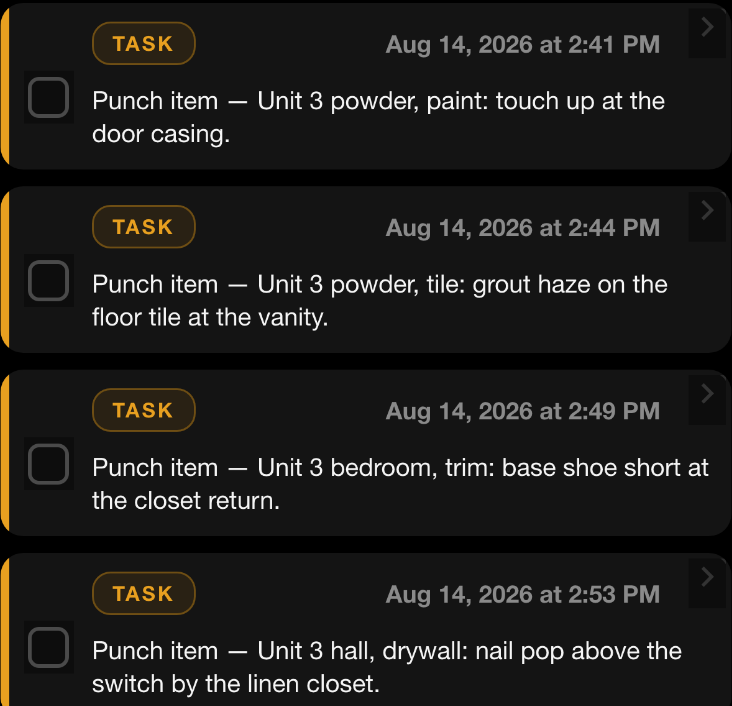
Don't save them up. Each one gets its own log and its own timestamp:
“Punch item — Unit 3 bedroom, trim: base shoe short at the closet return.”
“Punch item — Unit 3 hall, drywall: nail pop above the switch by the linen closet.”
Ask for them all.
Back in the truck, tap ASK and say it the way you'd ask a person:
Send it to the sub.
Or open REPORTS, tap the TASK chip, and send. Only the punch items go out.
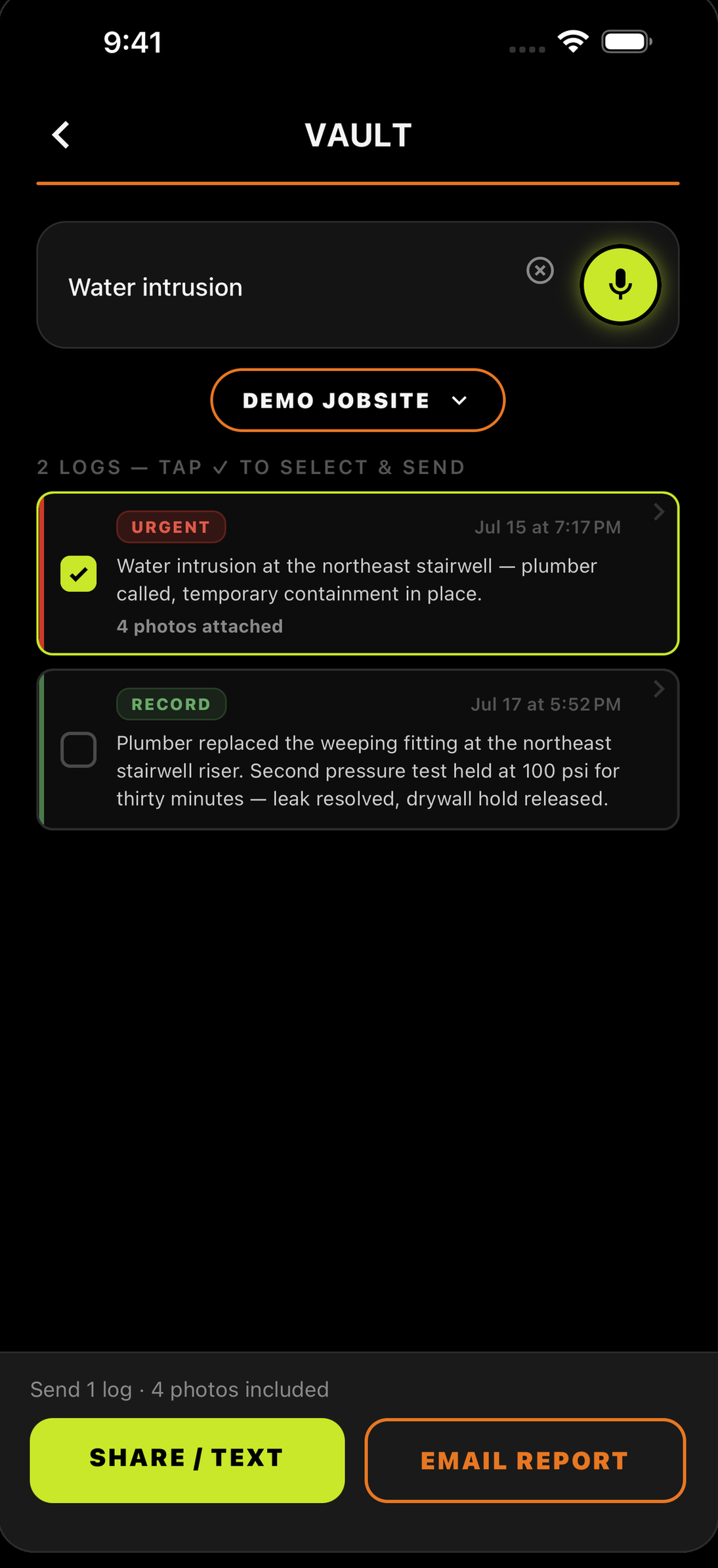
When one gets fixed, log that.
This is the list you called out — it isn't a live tracker, and the app won't decide what's done. You do. So when the painter comes back and handles the casing, say so:
The walk, written down.
Every item dated, in one list — called out while you were standing in front of it.
The day you don’t log is the day they ask about.


Running a crew? Teams — 30 days free →