Send just the tasks.
Or just the RFIs. Or just the urgent items. No computer. No typing. Two taps on the screen you're already on.
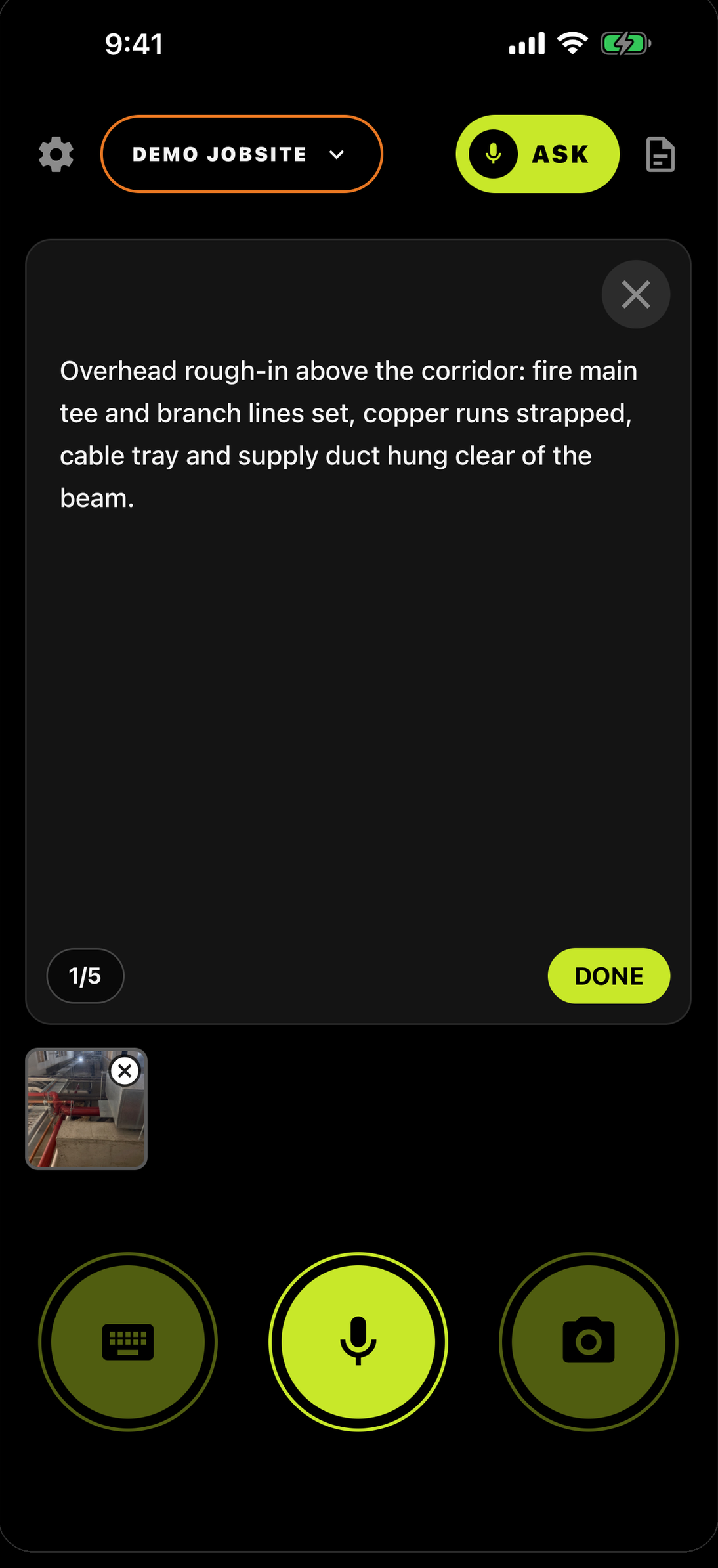
Open REPORTS.
The orange document icon, top right on the capture screen.
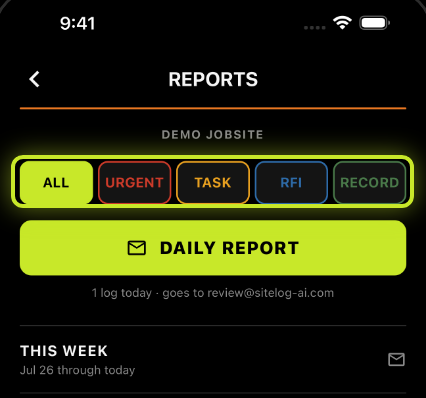
Tap the type you want.
The row of chips at the top: ALL, URGENT, TASK, RFI, RECORD.
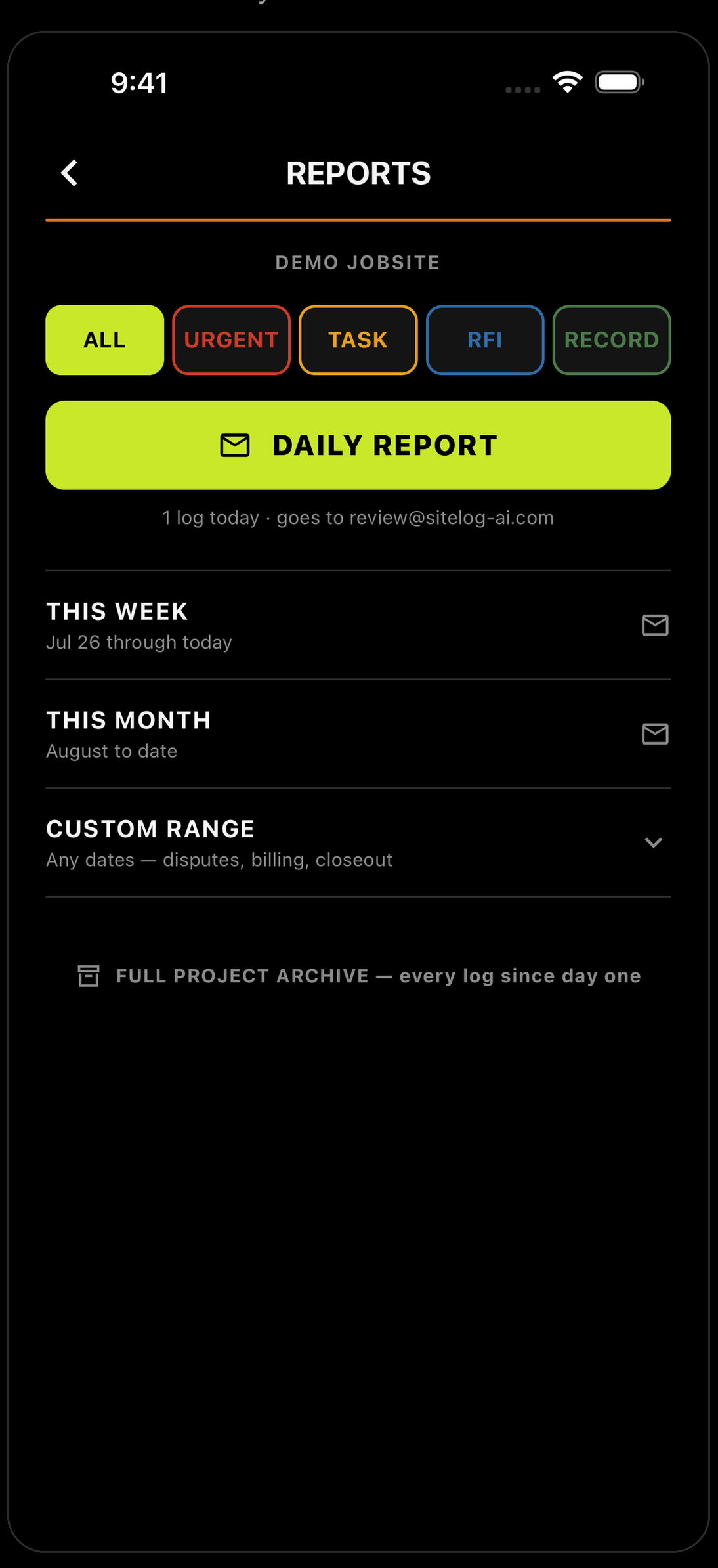
Send it.
Tap DAILY REPORT and only that type goes out. Or tap the mail icon on THIS WEEK or THIS MONTH for a longer stretch.
When you'd use it.
Send the TASK logs from this week so they walk in knowing what got called out.
Send the RFI logs. Every question you asked, in one PDF.
Send the URGENT logs for the month.
The app sorted them the moment you logged them. The chip just says which pile to send. One thing to know: it sends the logs you made of that type — it doesn't decide what's finished. You do.
Nothing else needed.
No computer. No chat assistant. No copying anything into anything.
The day you don’t log is the day they ask about.


Running a crew? Teams — 30 days free →