Send it to the sub.
No phone tag. No “which one?” The photos go with it.
Find the log.
Ask the Vault for it — or scroll to it. The photos are already attached.
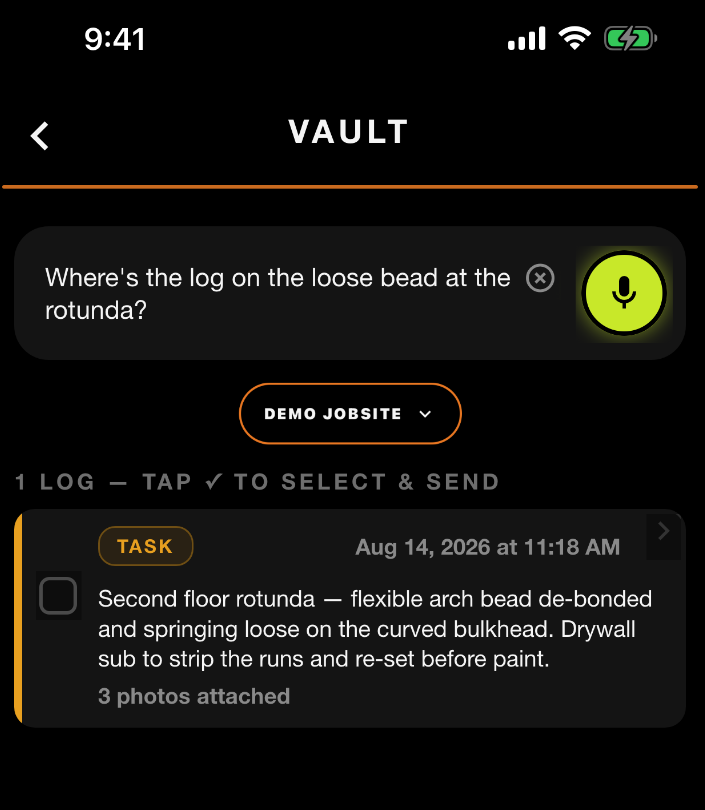
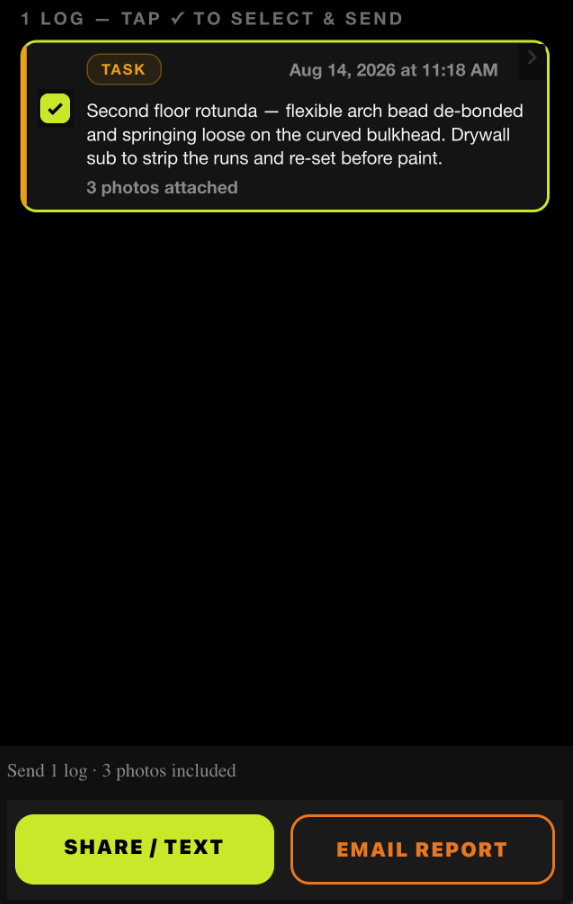
Tap the checkbox.
The footer counts it up — how many logs, how many photos.
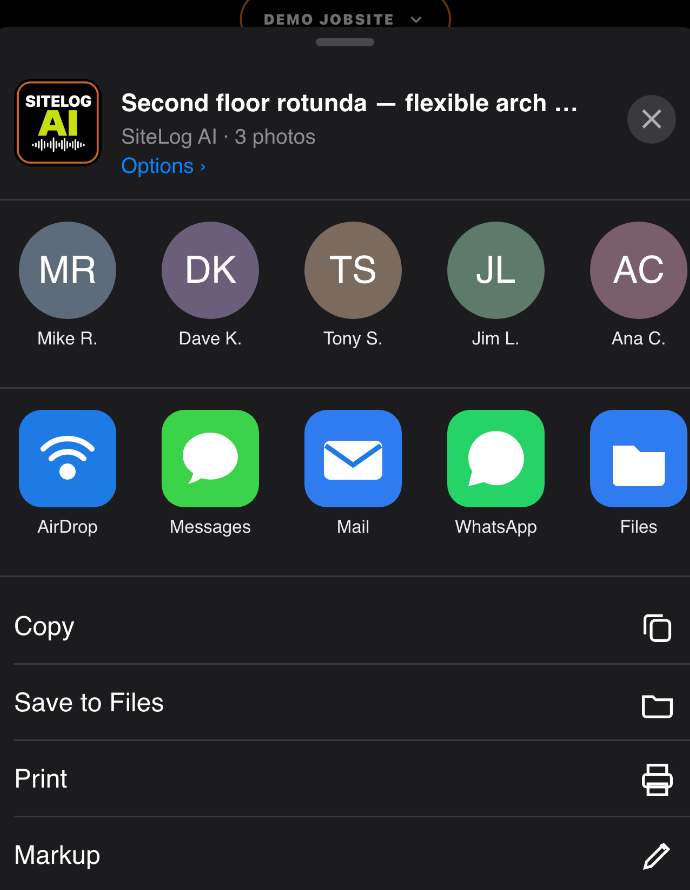
Pick the thread.
The normal share menu comes up — Messages, Mail, whatever you already use.
Two ways out.
SHARE / TEXT
One log goes as clean text with the photos attached. Two or more become one FIELD REPORT PDF — not a wall of texts.
EMAIL REPORT
SiteLog builds the report and emails it to the job's report address. Confirmation on screen when it's gone.
Either way, the original stays on the job record.
Send it while you're standing there.
Your subs don't need another app. They just need the right text.
The day you don’t log is the day they ask about.


Running a crew? Teams — 30 days free →