Show the owner the week's work.
What actually got done, straight out of the week's logs. One piece of what you send them — not the whole conversation.
Send THIS WEEK.
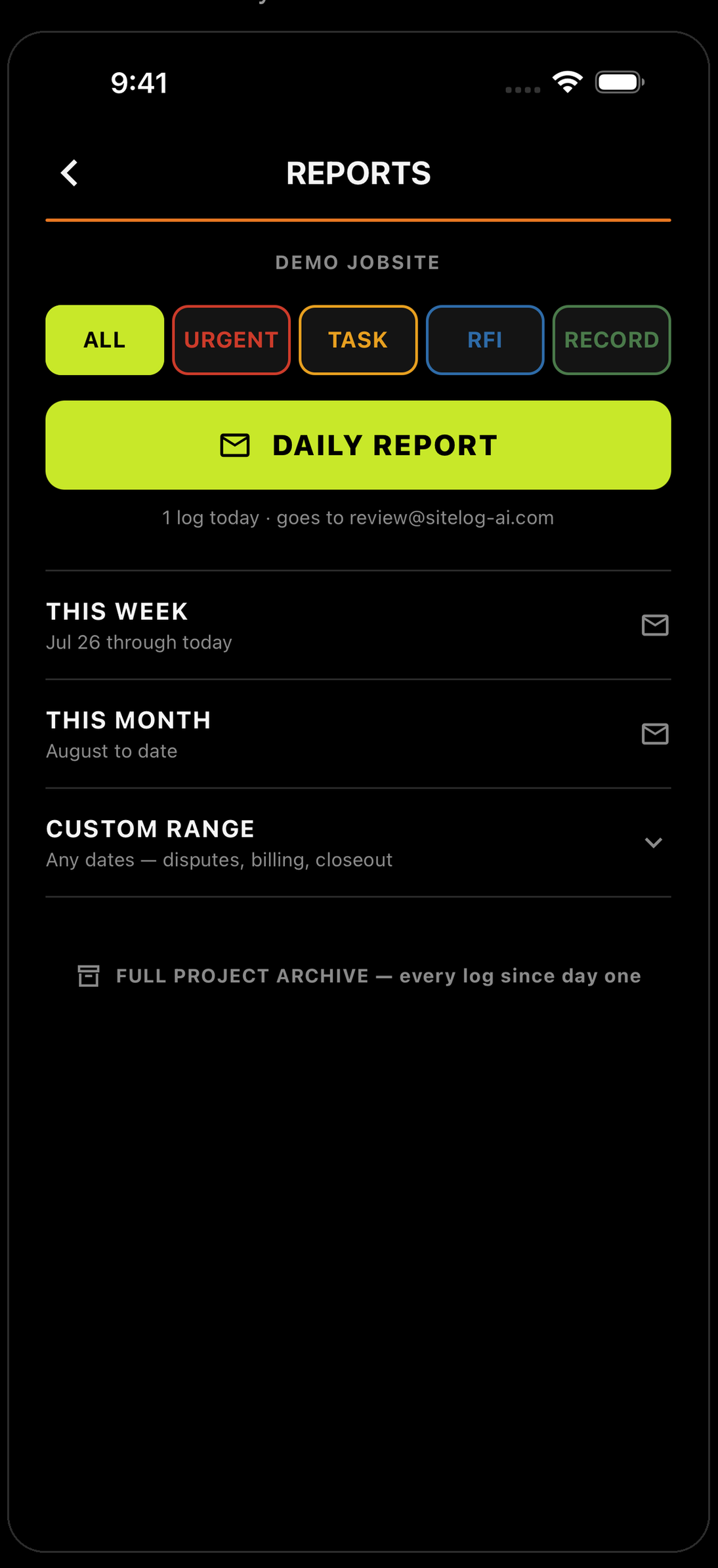
Open REPORTS in SiteLog and tap the mail icon on THIS WEEK.
Check your email.
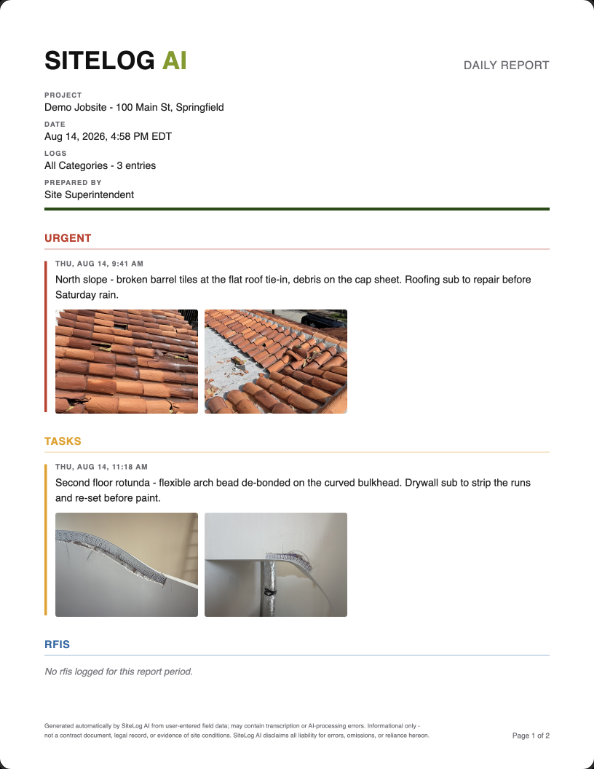
The week's report arrives as a PDF — every log you made that week, dated and sorted, photos attached.
Open ChatGPT or Claude.
Free apps. Phone or computer. Either one works. This part happens outside SiteLog — you're handing the report the app made to a chat assistant.
Never used one? Download it, open it, and you'll see a box that says “Ask anything.” That's the whole learning curve.
Attach it. Type this.
Tap the paperclip, pick the report, then type one sentence:
It reads the report and writes the summary.
What this is. And isn't.
It's a window into the week — what your crew did and what you saw, in plain words. It is not the schedule, the budget, or the answer to what they asked you last Tuesday. That's still your email to write.
Read it, then send.
Check the names, the dates and the numbers. It writes fast, but the facts are yours. If it says something you didn't log, take it out. Paste it into your email under “here's this week” and write the rest yourself.
Two minutes, not an evening.
The week's record is already written — you're just putting it in the owner's language.
The day you don’t log is the day they ask about.


Running a crew? Teams — 30 days free →